.svg)
Set review deadlines
Set a clear feedback window, close review on time, and stop late comments from pushing client launches back.
Take control of post-click performance. Ship more landing pages, experiments, personalized journeys, and client reporting while protecting delivery margin.
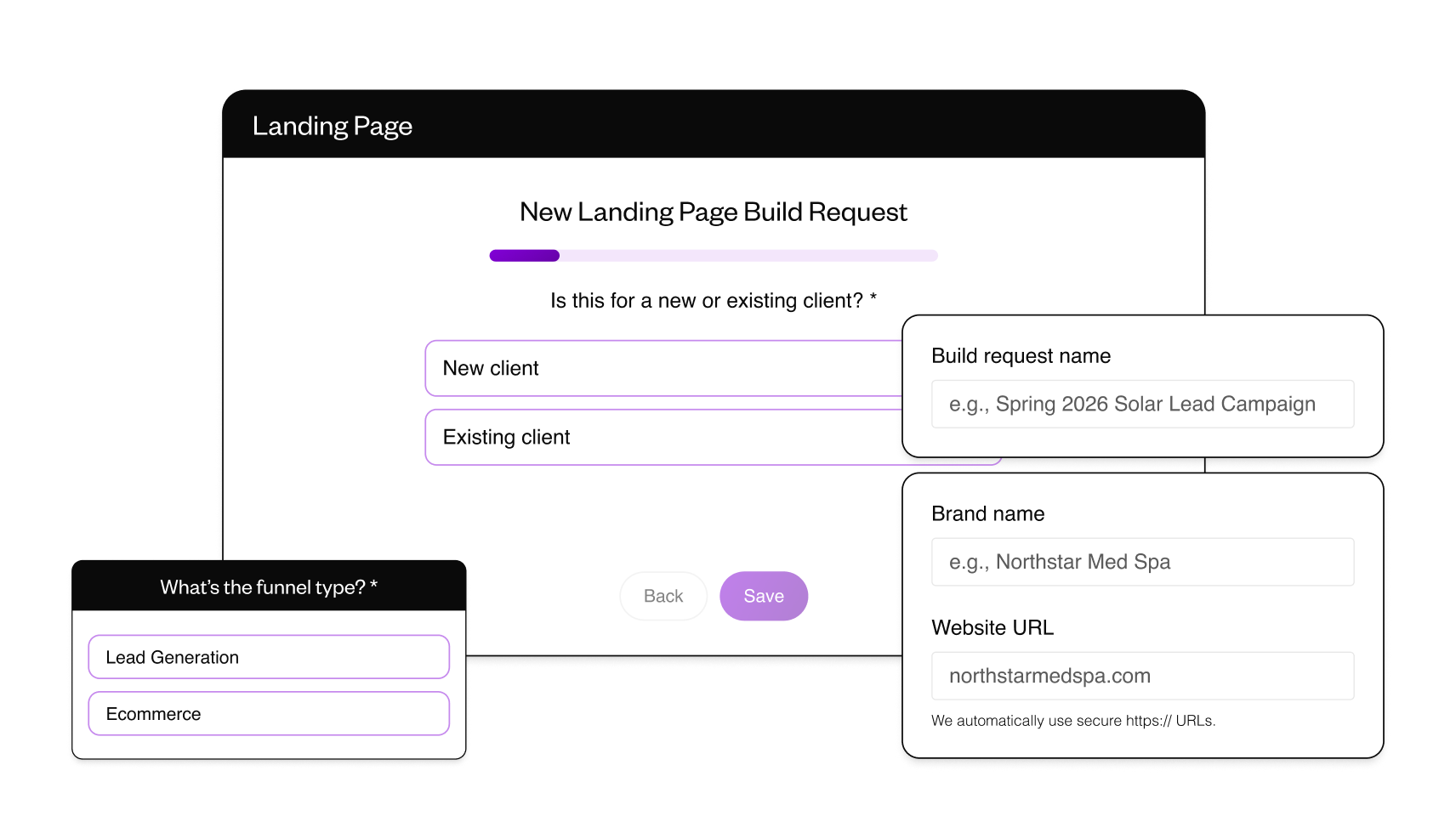
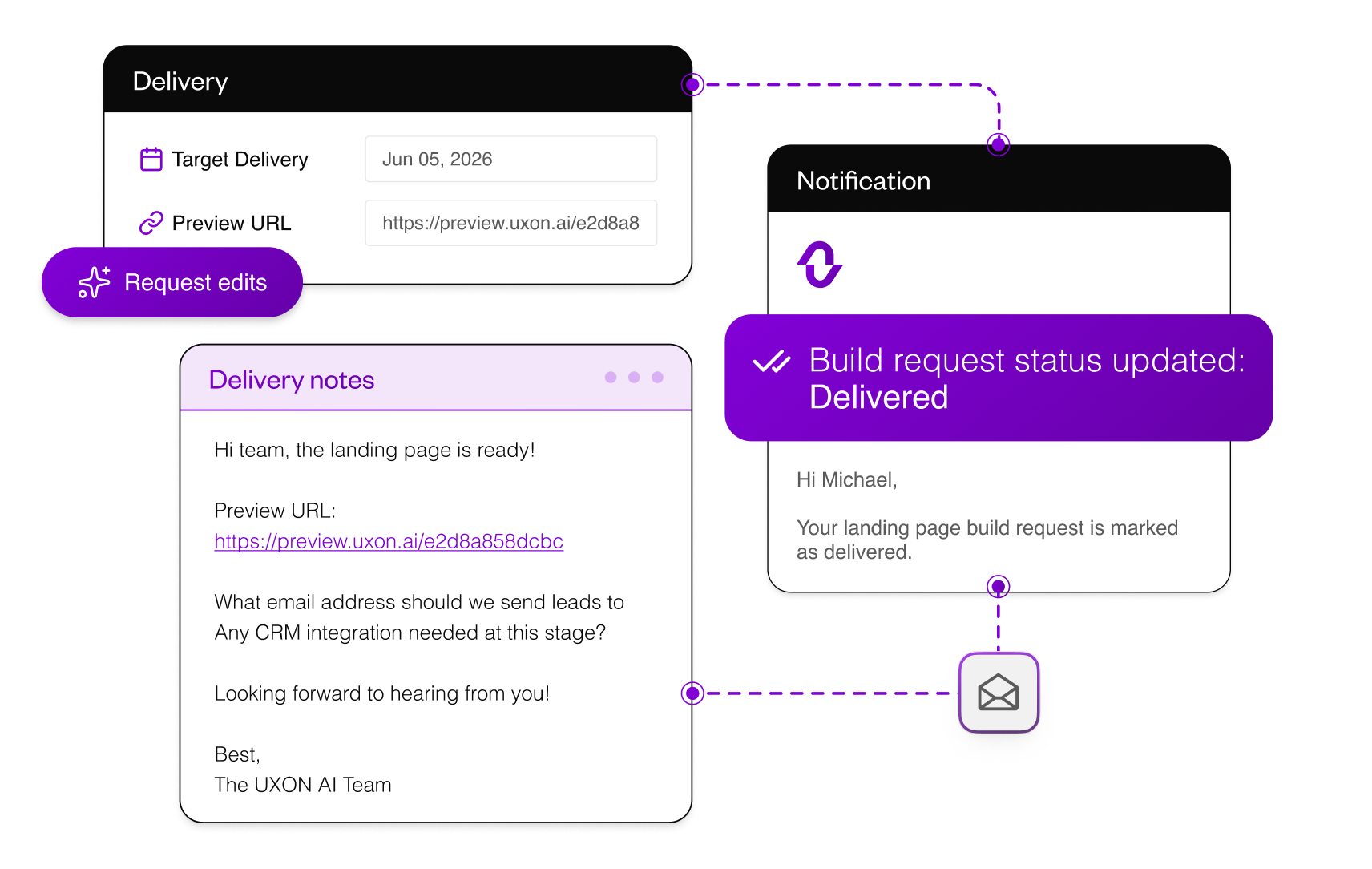
Request done-for-you landing pages when production capacity is full. Keep the brief, delivery notes, preview link, and ready-for-review updates in one workflow, so extra client work does not become another email chain.
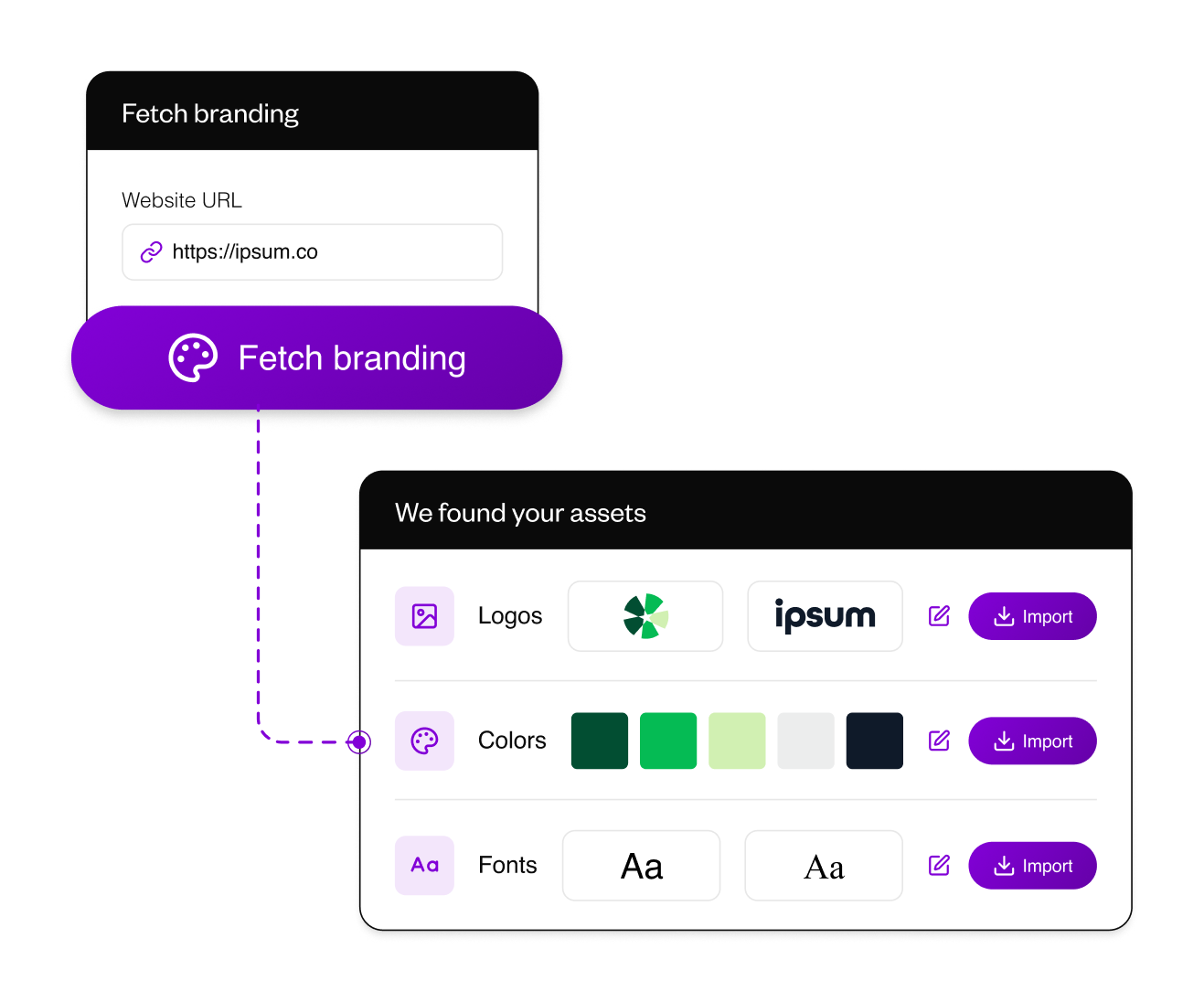
Set up each client brand once, then reuse it across every page, section, and variant. Import the visual system from the client site, save approved colors and fonts, and keep AI rewrites closer to the client voice.
Set a clear feedback window, close review on time, and stop late comments from pushing client launches back.
.svg)
Use AI approval review to classify comments as implement, test, or idea, so teams know what to change, park, or test later.
Test focused campaign pages against existing client pages, personalize journeys for key traffic segments, and keep results easier to defend in client reviews.
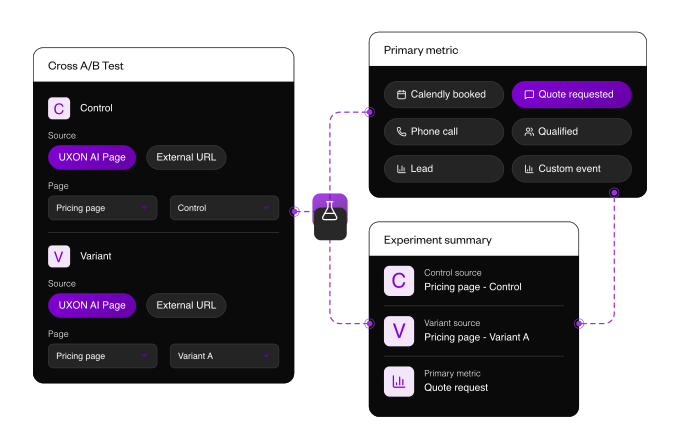
Compare hosted pages, client website pages, or external URLs inside one experiment workflow, without rebuilding the client site stack.
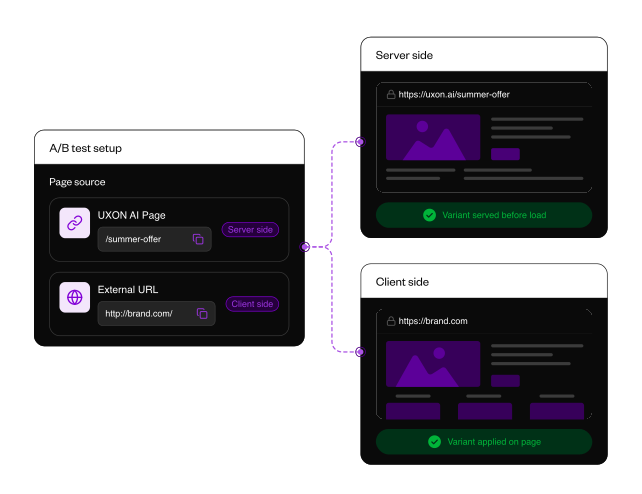
Use server-side testing for hosted pages and client-side testing when the control lives on an existing website.
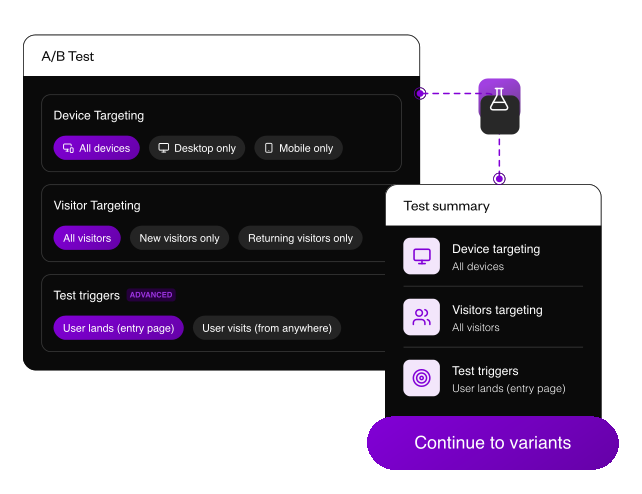
Start tests only for the right device, visitor type, source, medium, campaign, or content, so assignment matches the question being tested.

Show different page experiences to paid search, paid social, returning visitors, referral traffic, or any saved audience.
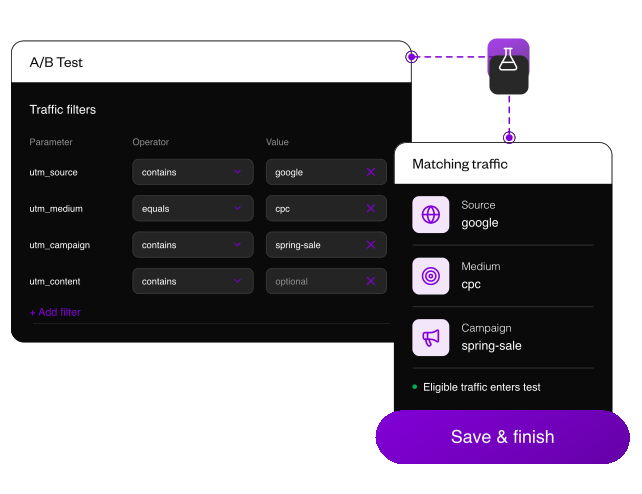
Include or exclude devices, visitor types, channels, and campaigns, so results reflect the exact audience you meant to test.
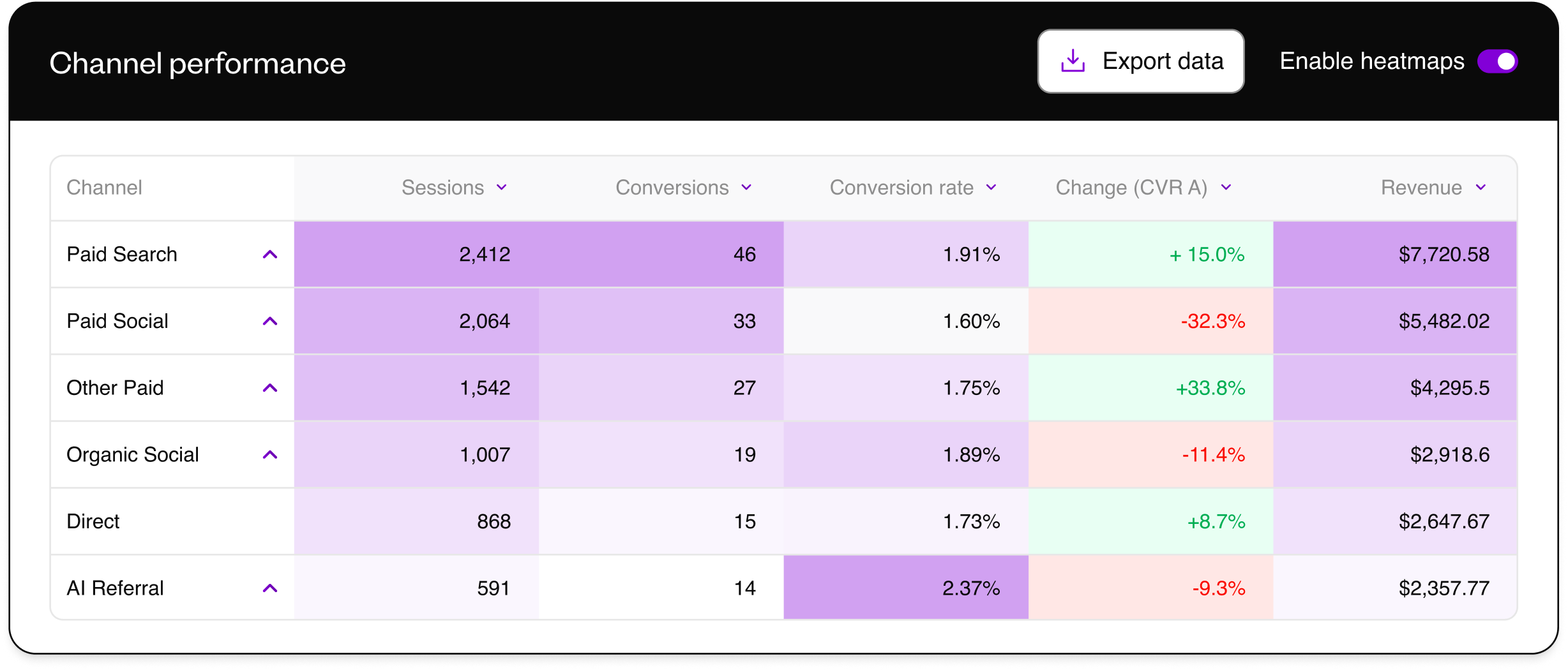
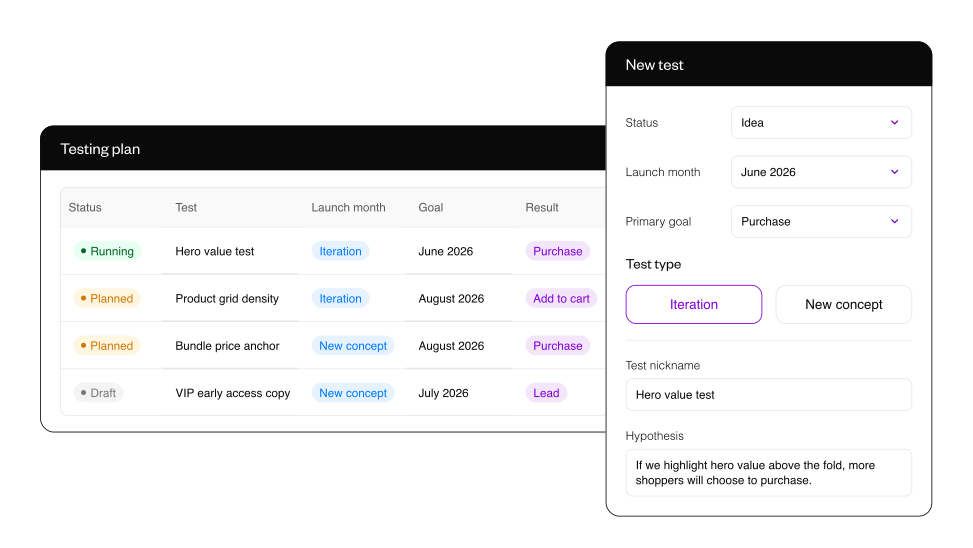
Document hypotheses, link live tests, refresh performance, and save the wins, losses, and unclear reads inside the client account, so the next roadmap is built from evidence, not memory.
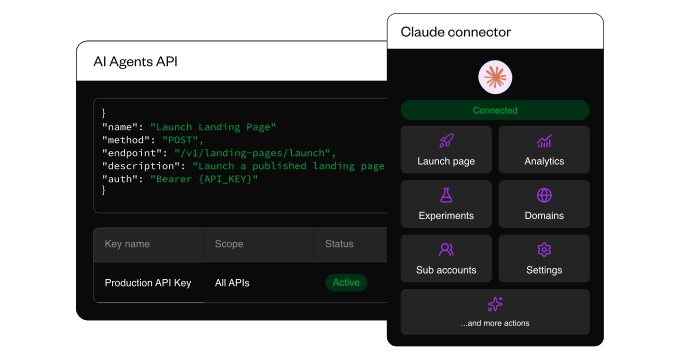
Connect agents to create pages, import code, manage experiments, read analytics, create sub-accounts, and connect domains through controlled workflows. Keep access scoped by client account, permission, and action type.
.png)