Claude, ChatGPT & more

Connect your AI agents. Let them do the work for you.

Connect AI agents to handle page requests, setup, approvals, tracking, domains, scripts, and reports, while you control permissions, API access, and actions that can change live work.
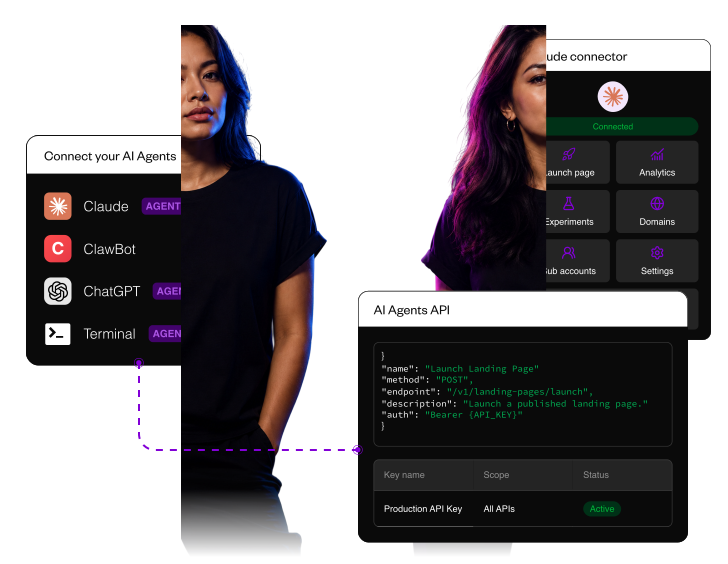
Connect your AI agents. Let them do the work for you.

Hand off overflow page work

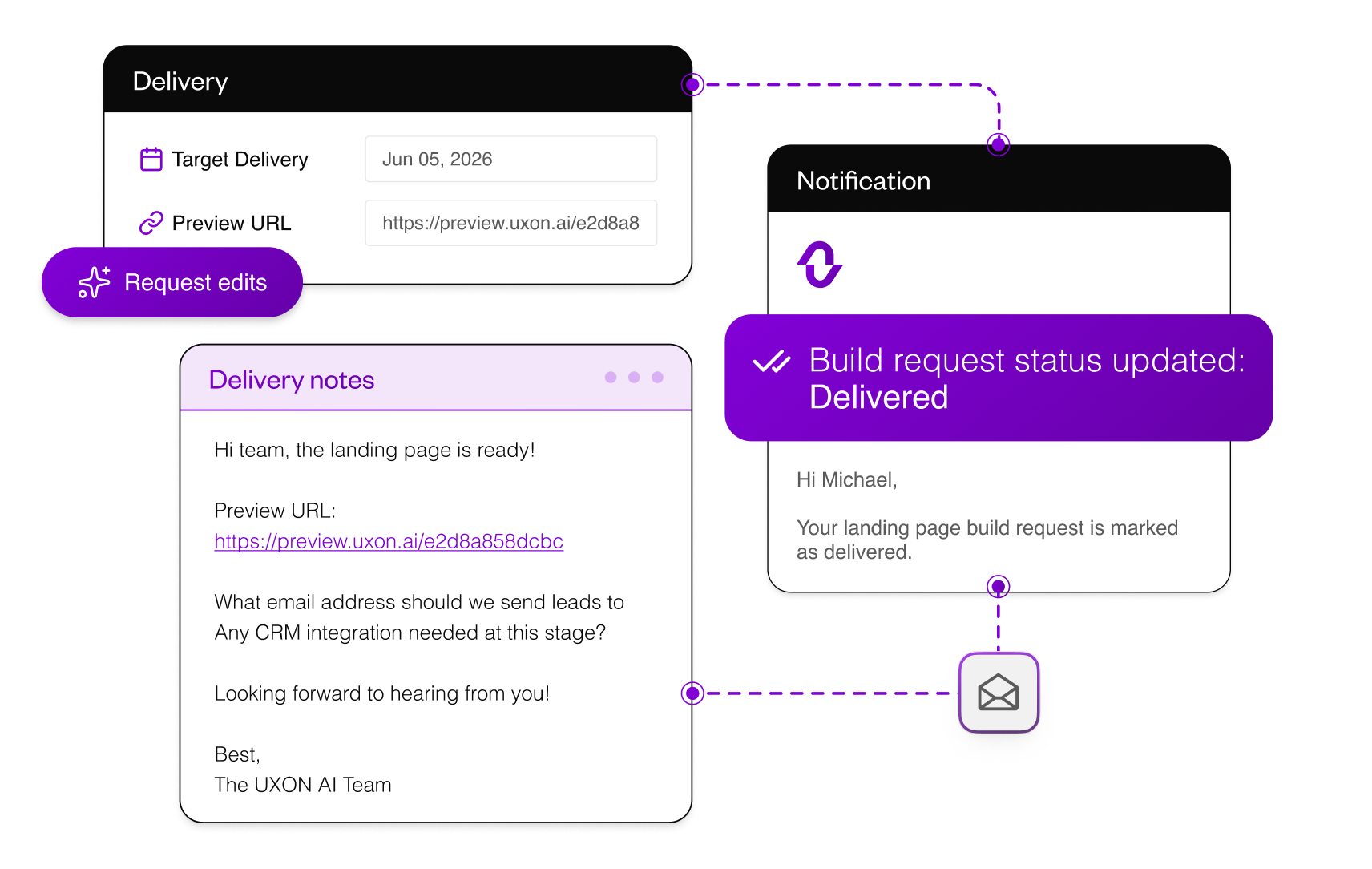
When production capacity is full, request done-for-you landing pages. Briefs, delivery notes, and ready-for-review updates stay in one place, so overflow work does not turn into another email chain.
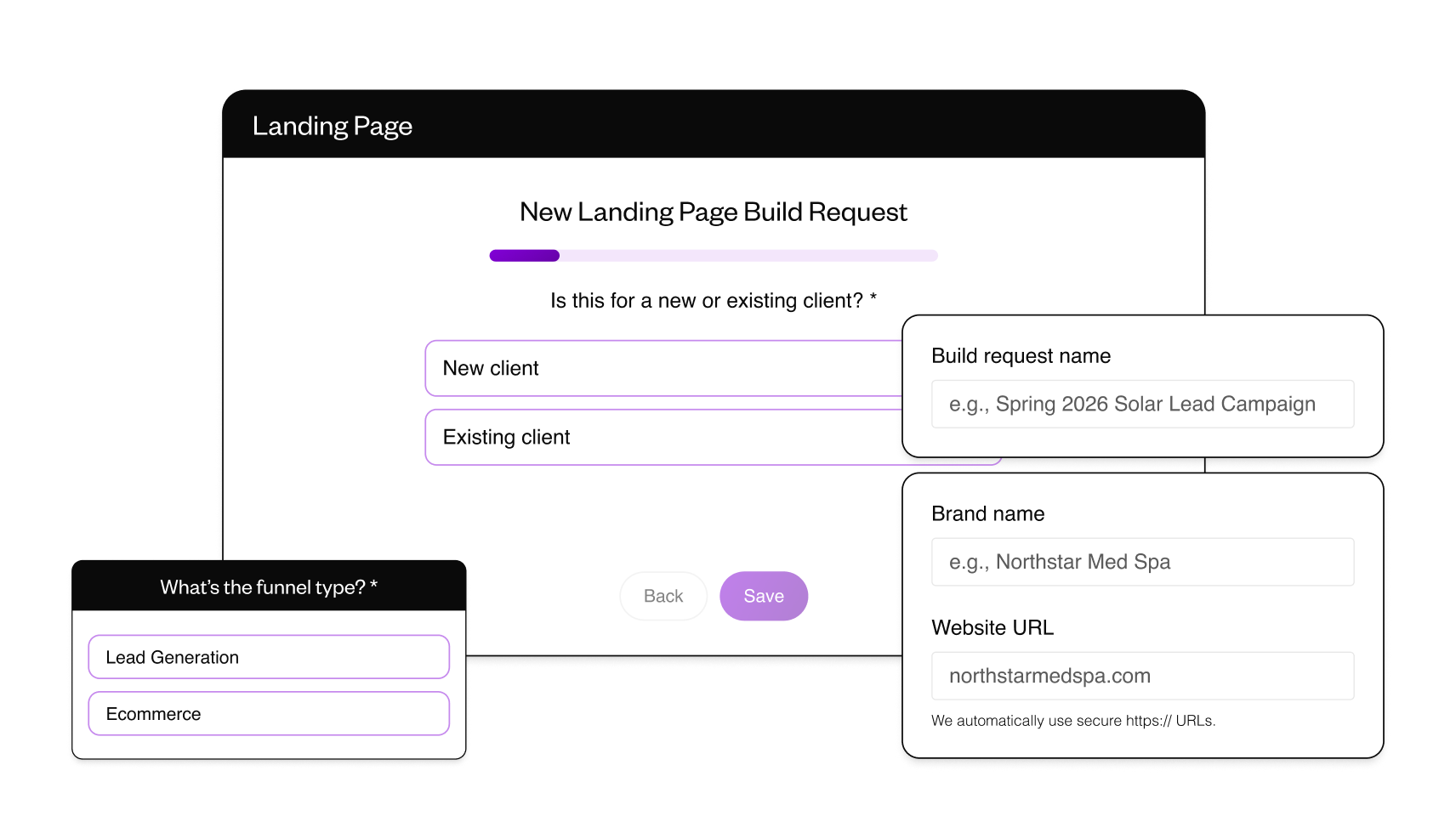
Landing page request intake
Landing page delivery preview

Keep approvals under control

Set review deadlines

Set review deadlines

Set a clear feedback window, close review on time, and stop late comments from pushing launch back.

Sort feedback into actions

Sort feedback into actions

Use AI approval review to classify comments as implement, test, or idea, so teams know what to change, park, or test later.

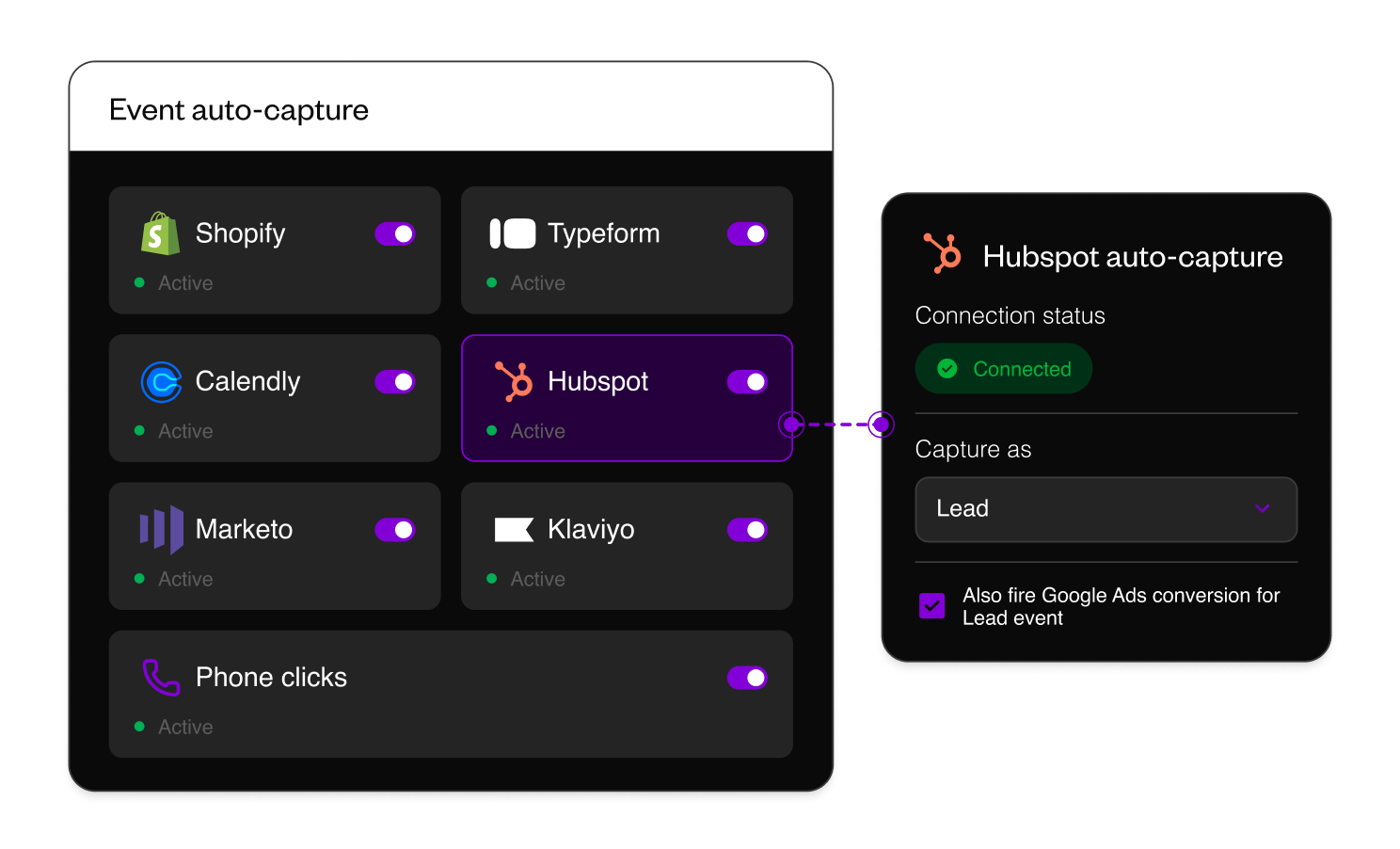
Capture conversion events with toggles

Turn on supported capture for Shopify, Klaviyo, forms, and custom conversion events without rebuilding Tag Manager setup for every page or variant. New pages can start reporting outcomes as soon as traffic goes live.

Capture conversion events automatically

Get the backend setup right before launch

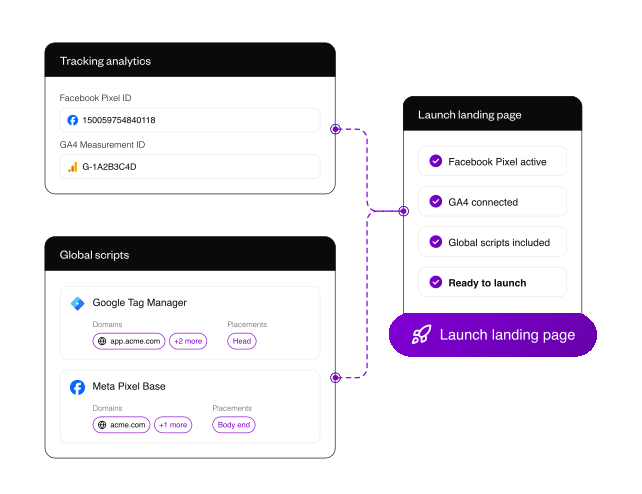
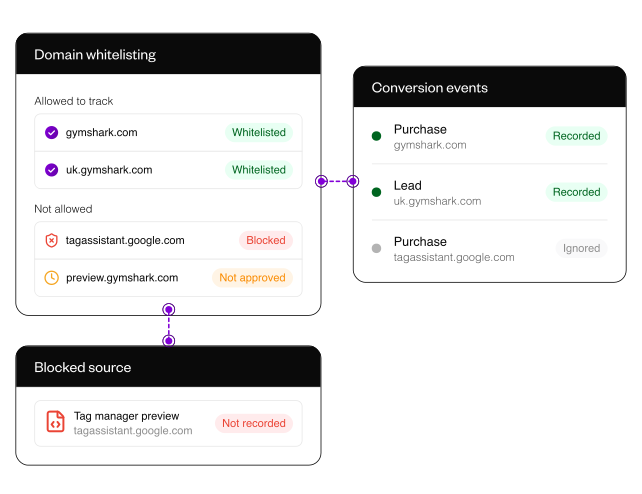
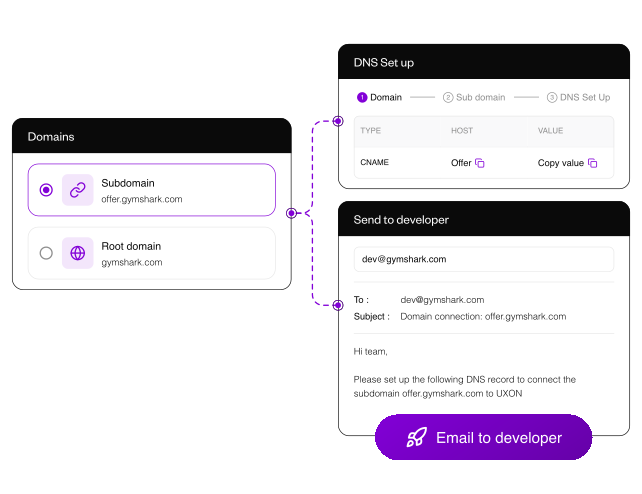
Publishing is not finished when the page looks right. Connect the domain, apply global scripts, and whitelist approved data sources before launch, so tracking, routing, and attribution data are clean before paid traffic scales.
Centralize brand and analytics setup

Set brand and tracking foundations once, then reuse them across requests, pages, agent workflows, and launch work. Faster setup matters most when one team manages many brands, clients, or campaign pages.
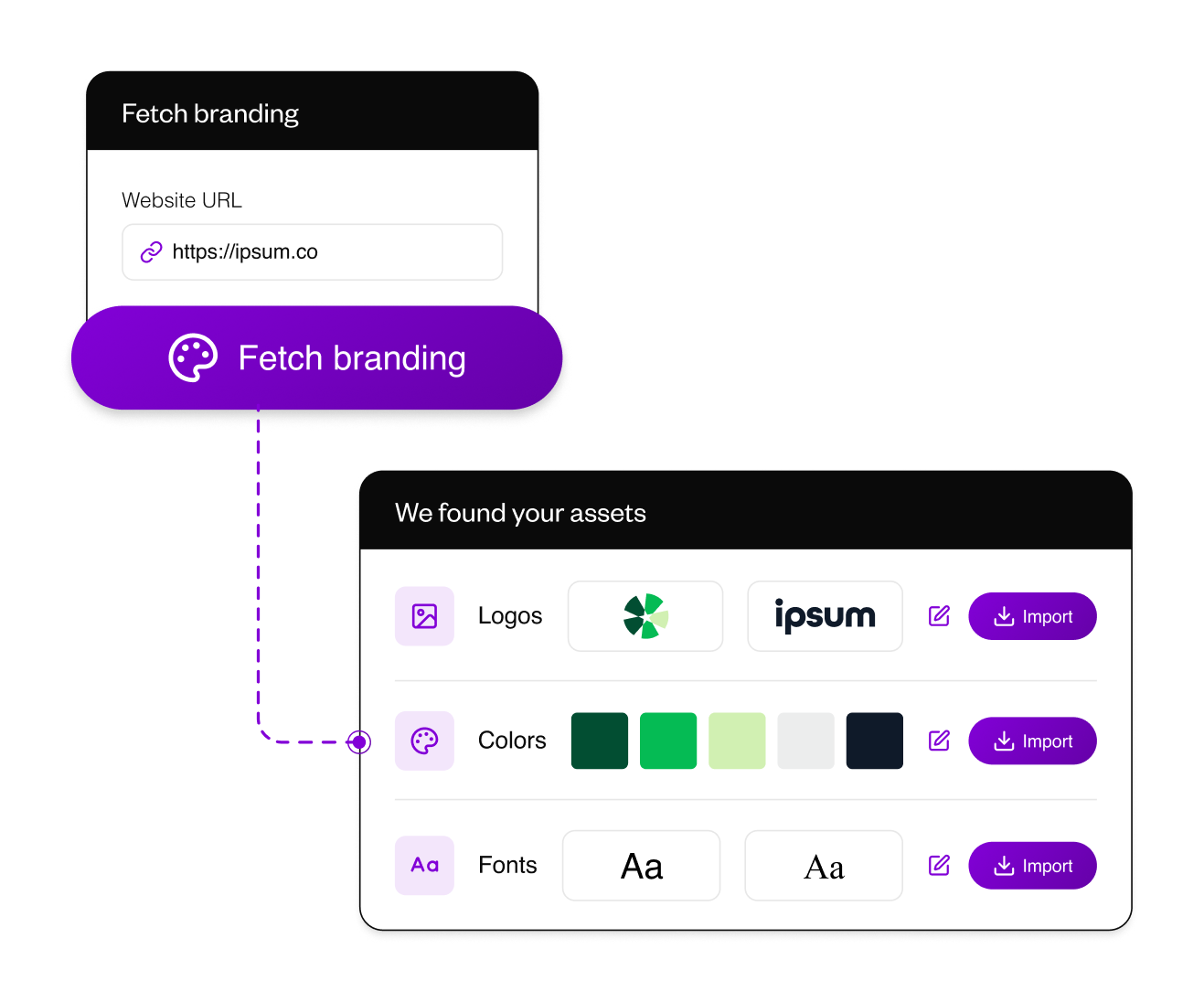
Import
ImportPull logos, colors, and fonts from a client URL, then review the brand system before production begins.
Colors and fonts
Voice
Global scripts

Control AI usage and API access

Use included AI capacity or connect your own API key for heavier workflows. Keep cost control, access boundaries, API usage, and agent permissions inside the same operational layer.
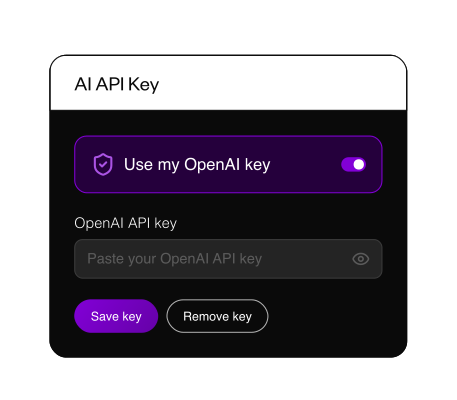
Control AI usage

Plan A/B tests. Refresh results. Keep the learnings.

  • Document new ideas, iterations, expected lift, owners, and status before the next experiment goes live.
  • Pull current experiment status and confidence into the plan so strategy docs do not drift from live performance.
  • Keep wins, losses, and inconclusive reads searchable, so future campaigns know what to reuse, cut, or test again.
Plan the next test

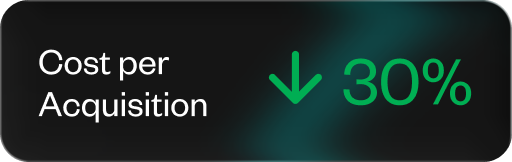
Conversion lifts across real client funnels

Frequently asked questions

Launch operations helps teams move post-click work from request to tracked launch. It covers page requests, review windows, conversion setup, domains, scripts, brand setup, API access, and controlled AI agent workflows.
Yes. Agents can use controlled workflows for actions like creating pages, importing code, managing experiments, reading analytics, creating sub-accounts, connecting domains, and checking reports, depending on the permissions you grant.
UXON reduces the issues that usually slow launches: unclear briefs, scattered feedback, missing conversion setup, domain issues, repeated script work, and manual handoffs.
Yes. Shared previews and comments keep feedback tied to the page experience, so teams do not need to reconcile screenshots, Slack threads, email notes, and stale documents.
Domains, global scripts, and domain whitelisting sit in the same launch workflow, so teams can publish under the right brand, apply tracking once, and reduce noisy attribution data.
Yes. Teams can use included AI capacity or connect their own API key, while keeping usage, permissions, and agent access inside one governed setup.